OpenBao
OpenBao is our secrets manager for MKK. It's a fork of HashiCorp Vault and stores sensitive information like database credentials, API keys, and more.
Logging Into OpenBao
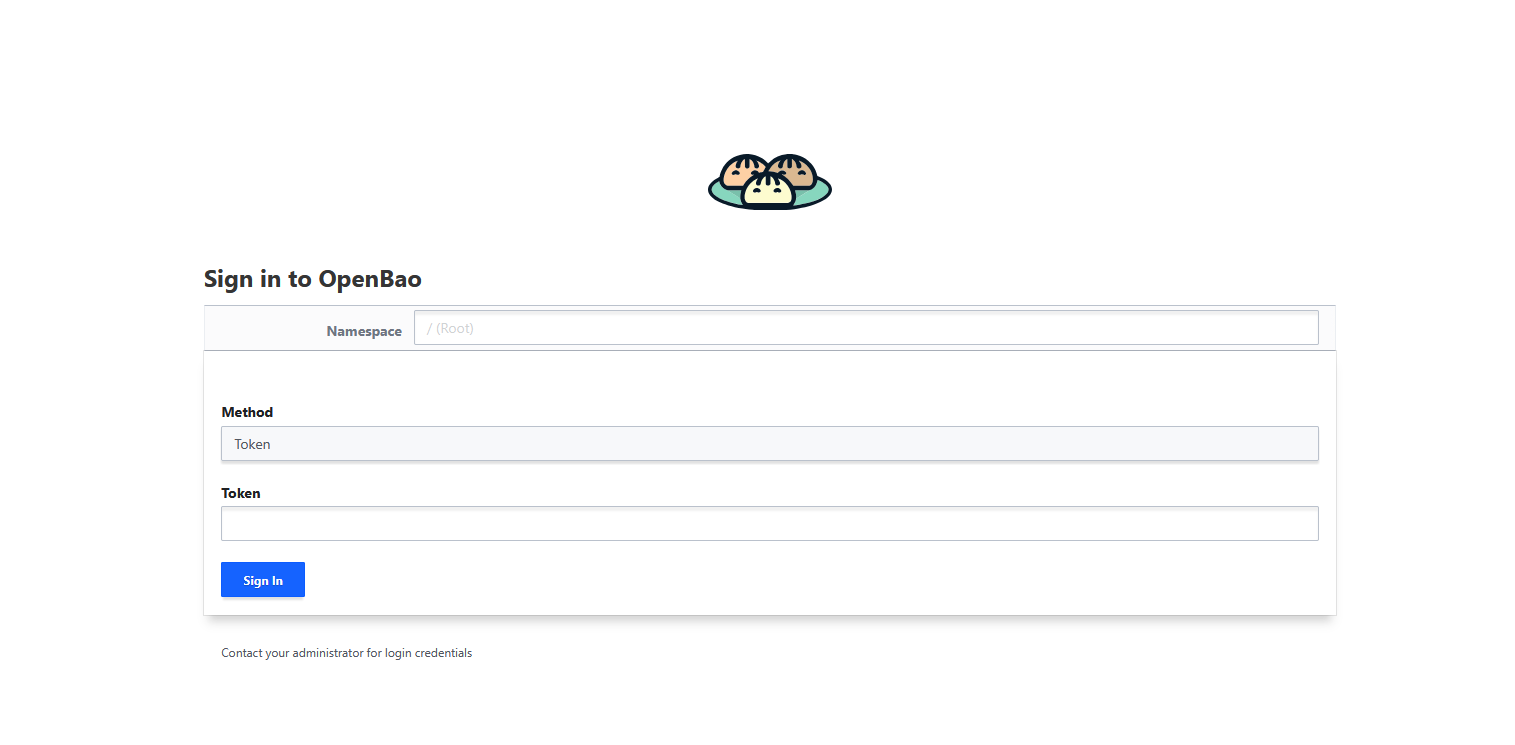
- Navigate to the OpenBao dashboard at https://bao-dev.mrkelleyskleaners.com
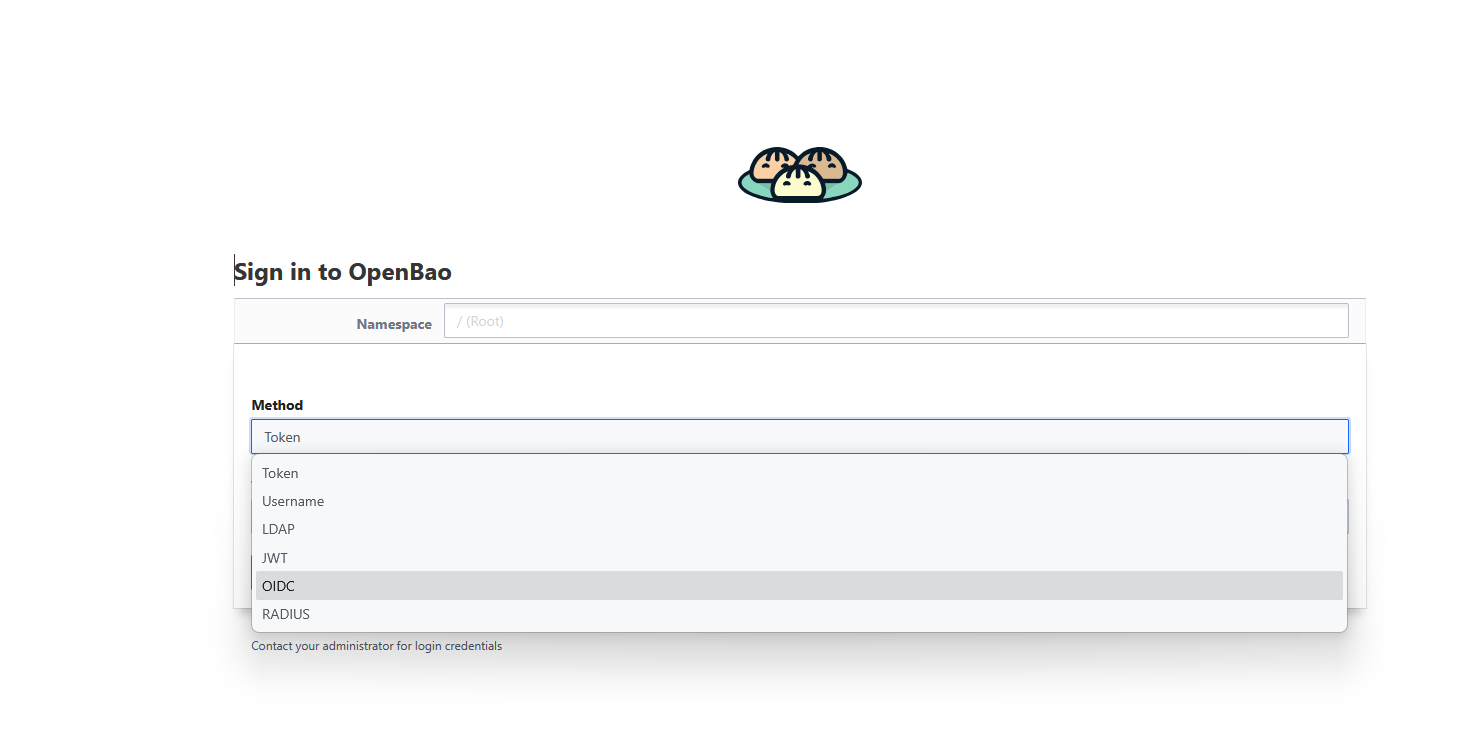
- Click the Method dropdown and switch from Token to OIDC
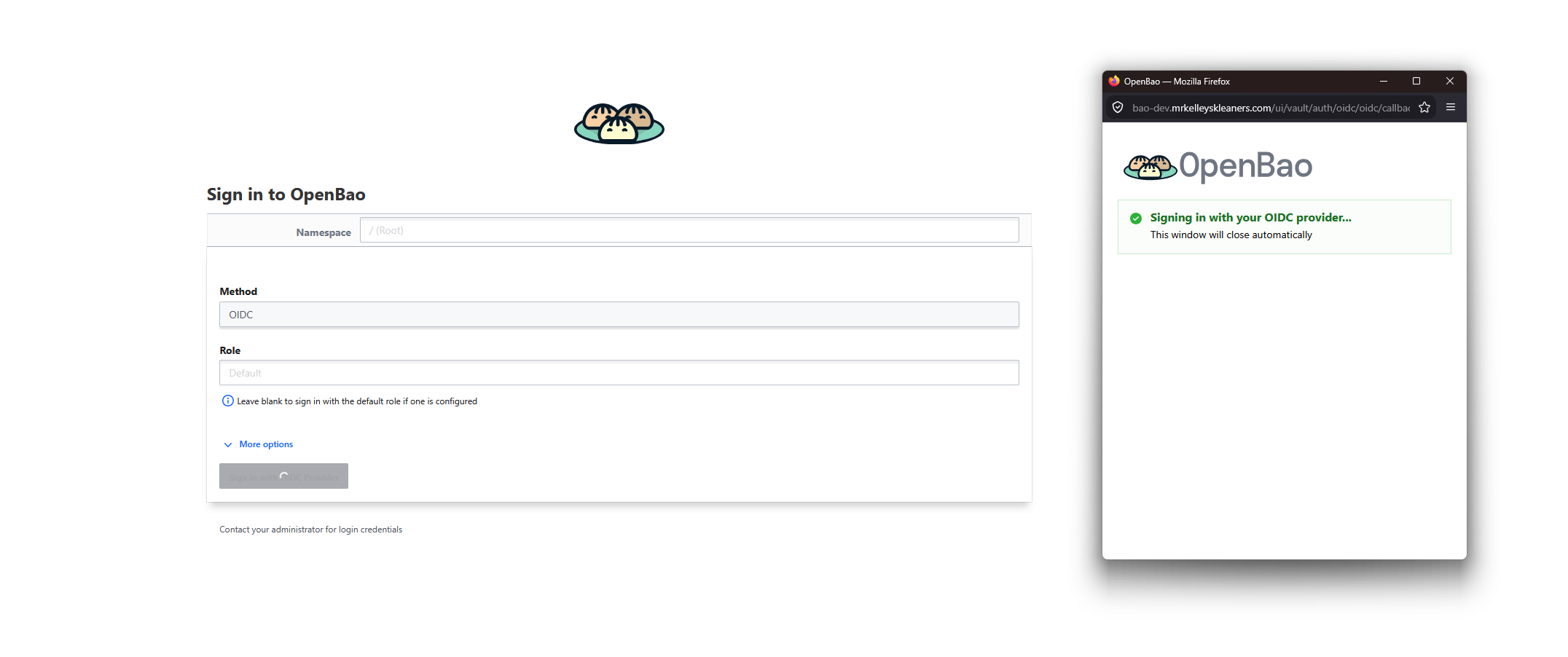
- Click Log In With OIDC Provider to authenticate with Authentik (use your standard credentials)
You're now logged in.
Dashboard Overview
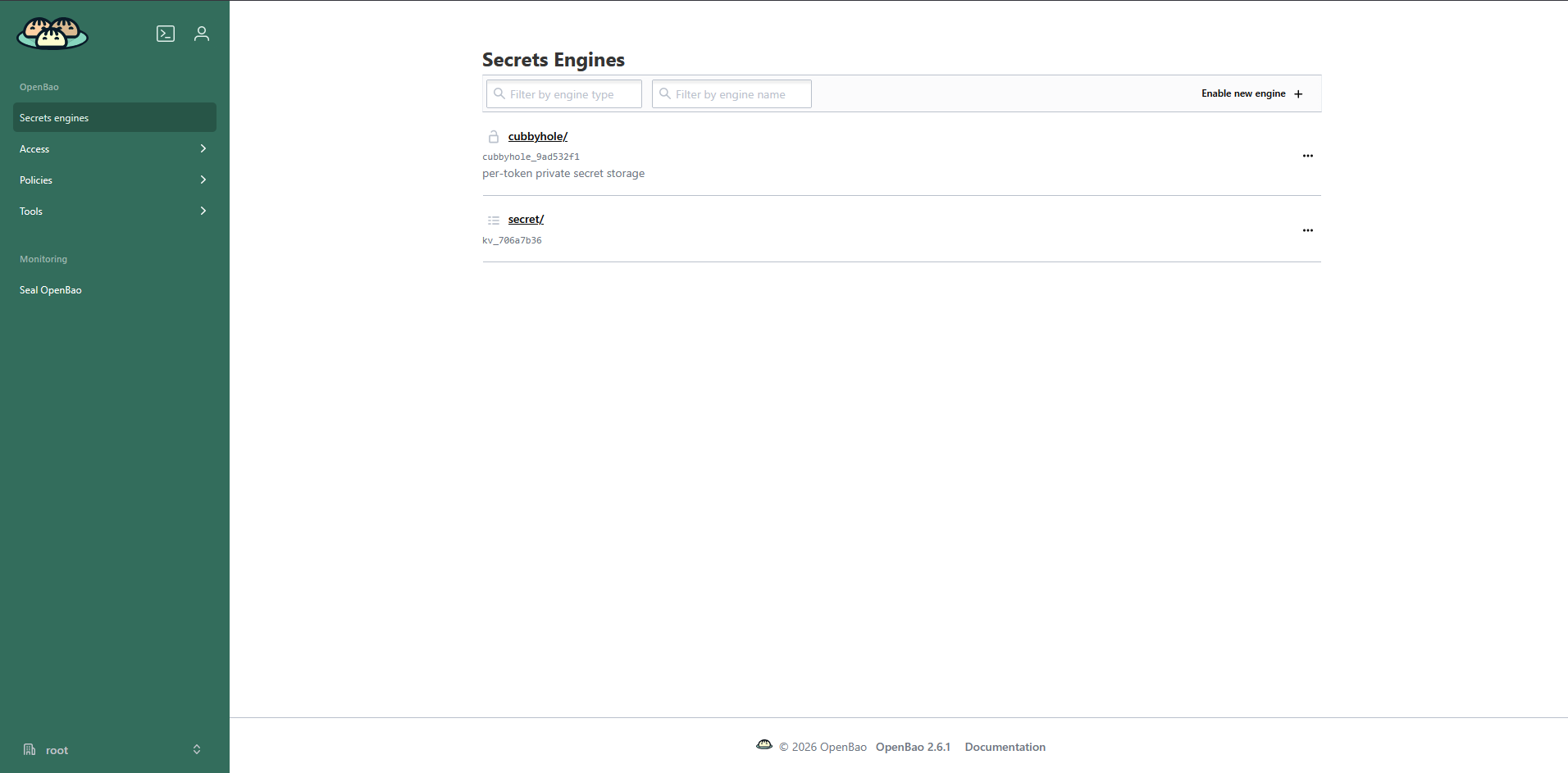
The OpenBao dashboard is straightforward. You'll see the Secrets Engines section—we use the secret engine to store credentials.
Click the secret folder to view stored secrets or add new ones. (Please request permission before adding secrets.)
Note: Three environment folders exist (dev, local, prod) for our three environments. These are fully automated—no manual management needed.
Getting Your Access Token
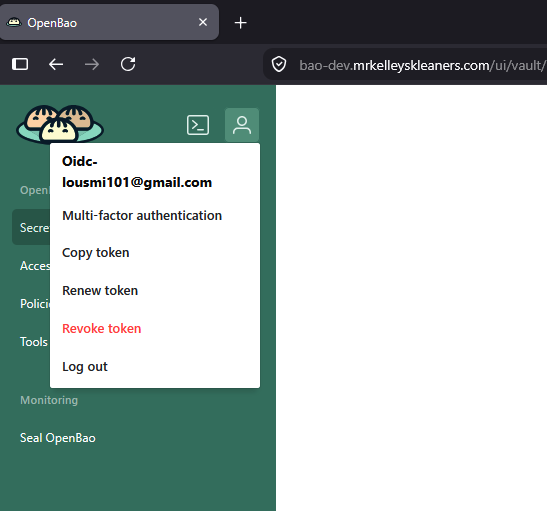
- Click your profile button in the OpenBao sidebar
- Click Copy Token
- Save this token—you'll need it for the next step
Setting Up Your Local Development Environment
1. Create a .env File
- Copy
/backend/envs/dev.envto your project root and rename it (e.g.,local.env) - Paste your access token into the appropriate field in your
.envfile the field isBAO_TOKEN=it should be blank just paste it in no quotes - Do not edit or commit the original
dev.env—it's version-controlled as an example
2. Configure IntelliJ
- Edit your run configuration:
- Click the run configuration dropdown at the top
- Select Edit Configurations
- (Repeat for the admin application if needed)

- Add environment variables:
- Click the Environment variables field's dropdown button
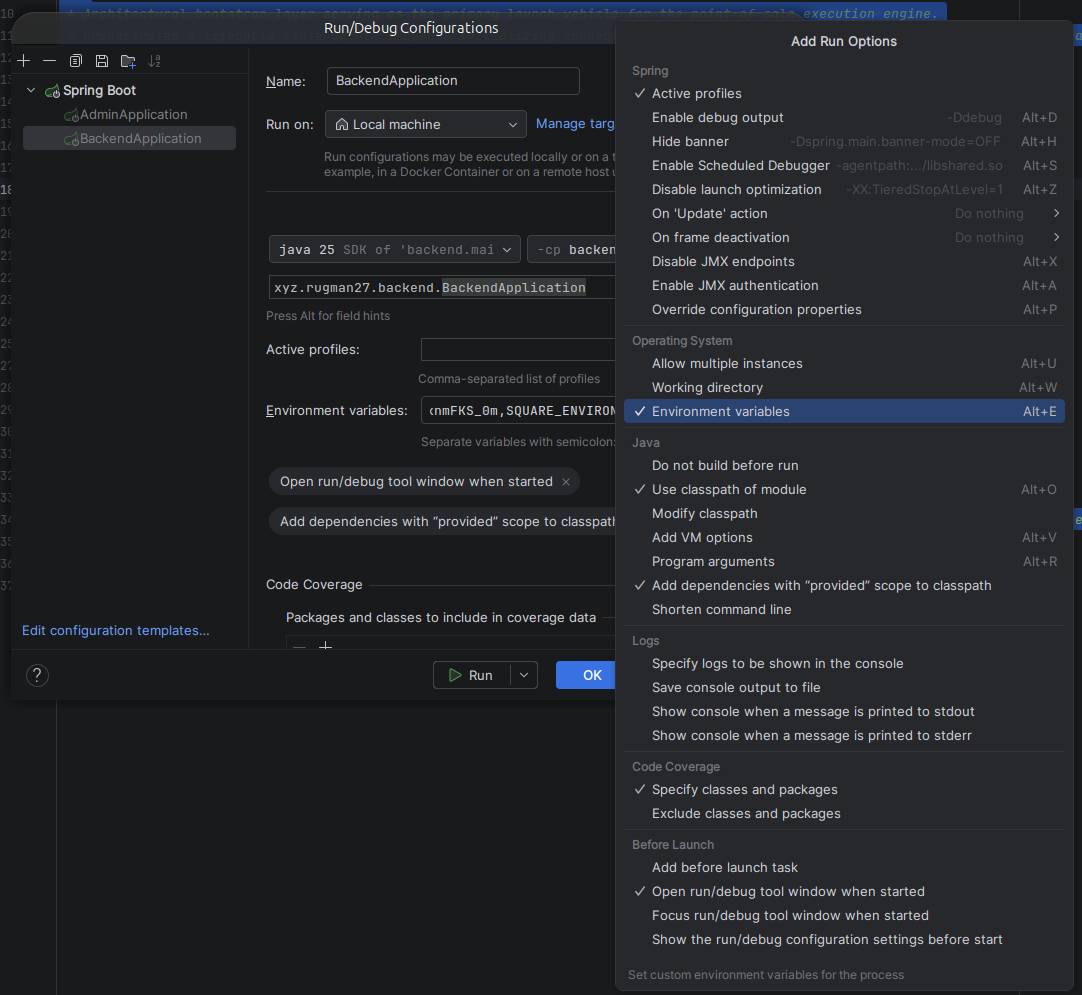
- Select your
.envfile: - Click the folder icon and select the
.envfile you created - Click Apply and OK

You're all set! You can now run the backend.